tmux-toggle-term
A terminal toggle for tmux that supports a per-window split pane and a global floating popup.
Installation
Clone to a plugins directory:
git clone https://git.eugenetriguba.com/tmux-toggle-term
~/.tmux/plugins/tmux-toggle-term
Add to your tmux configuration:
run-shell '~/.tmux/plugins/tmux-toggle-term/src/main.sh'
Usage
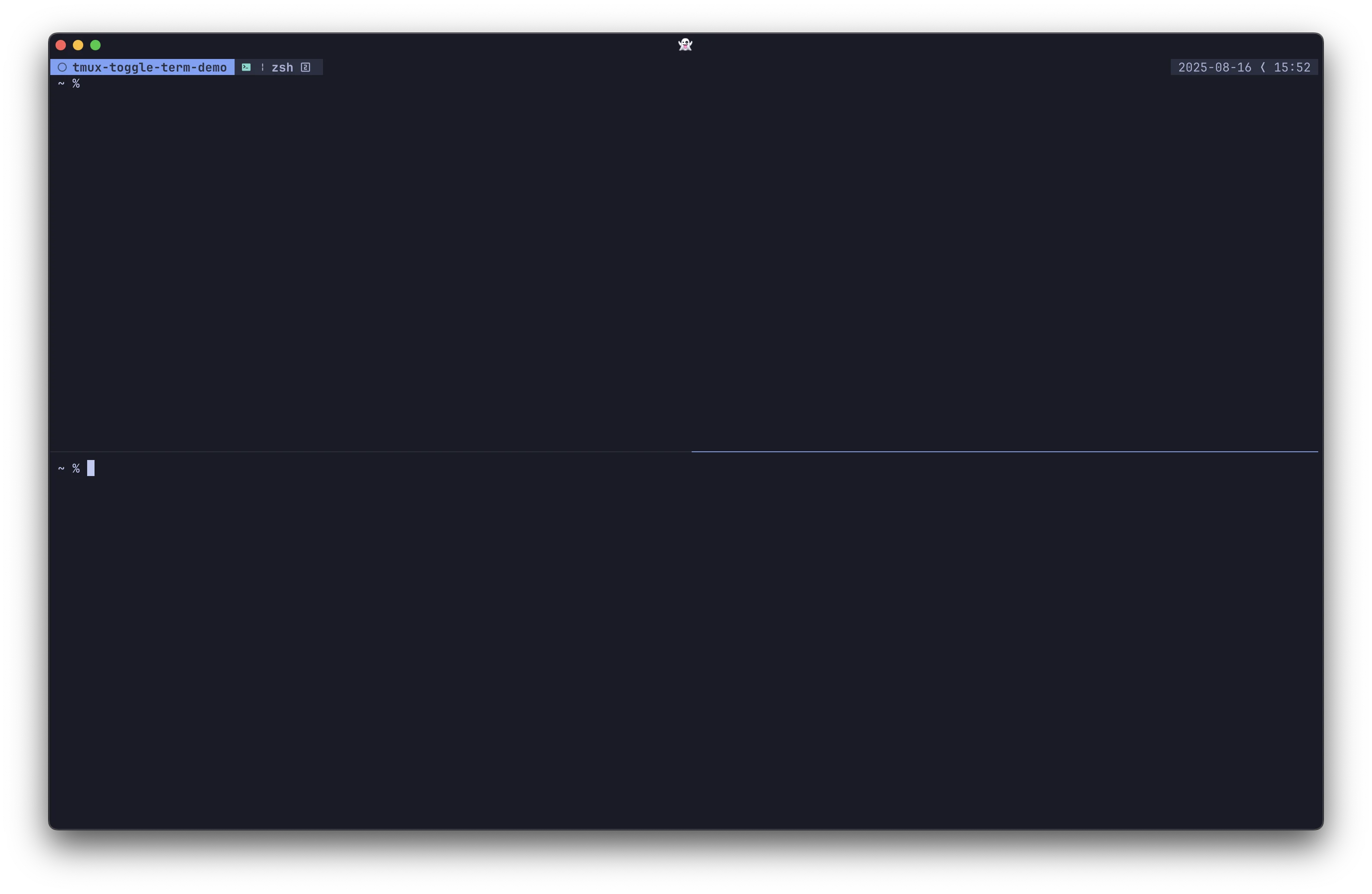
Toggle Split Terminal
Prefix + ; → Toggle a split terminal for the current tmux window
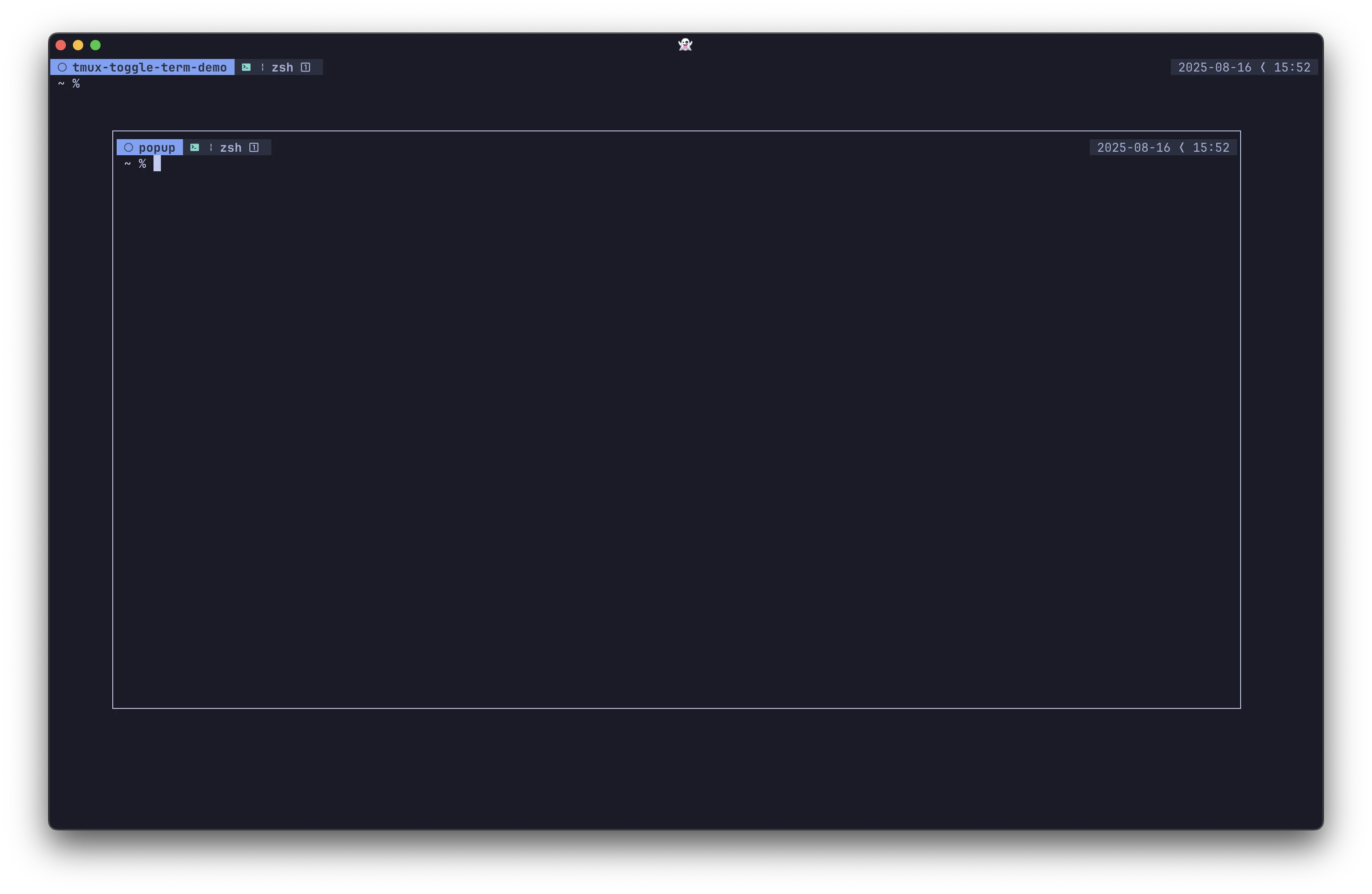
Toggle Floating Terminal
Prefix + f → Toggle a global floating popup terminal
Customization
Disabling Features
By default, both the floating and split terminal features are enabled. If you only want one of them, you can disable the other:
set -g @toggle-term-float-enabled 'false'
set -g @toggle-term-split-enabled 'false'
Custom Key Bindings
You can override the default keybindings by setting the
toggle-term-split-key and toggle-term-float-key options.
In this example, we’ve set the bindings to ‘Meta + t’ and ‘Meta + f’. Note that if you have the tmux prefix key enabled, you’ll need to do ‘Prefix + Meta + t’ and ‘Prefix + Meta + f’.
set -g @toggle-term-split-key 'M-t'
set -g @toggle-term-float-key 'M-f'
Binding Without the Tmux Prefix
By default, the plugin binds its keys in the tmux prefix table, so you press the
tmux prefix before the key. If you’d rather trigger the toggles directly,
without the tmux prefix, disable the toggle-term-<mode>-use-prefix options:
set -g @toggle-term-float-key 'M-f'
set -g @toggle-term-float-use-prefix 'false'

set -g @toggle-term-split-key 'M-t'
set -g @toggle-term-split-use-prefix 'false'
With the above configuration:
- M-f → Toggle floating terminal
- M-t → Toggle split terminal