blob: b2fa294e9f18826a5f2cca4aa3fdff3cfd74f3b3 (
plain) (
blame)
1
2
3
4
5
6
7
8
9
10
11
12
13
14
15
16
17
18
19
20
21
22
23
24
25
26
27
28
29
30
31
32
33
34
35
36
37
38
39
40
41
42
43
44
45
46
47
48
49
50
51
52
53
54
55
56
57
58
59
60
61
62
63
64
65
66
67
68
69
70
71
72
73
74
75
76
|
# tmux-toggle-term
A terminal toggle for tmux that supports a per-window split pane and a global
floating popup.
## Installation
Clone to a plugins directory:
```sh
git clone https://git.eugenetriguba.com/tmux-toggle-term
~/.tmux/plugins/tmux-toggle-term
```
Add to your tmux configuration:
```
run-shell '~/.tmux/plugins/tmux-toggle-term/src/main.sh'
```
## Usage
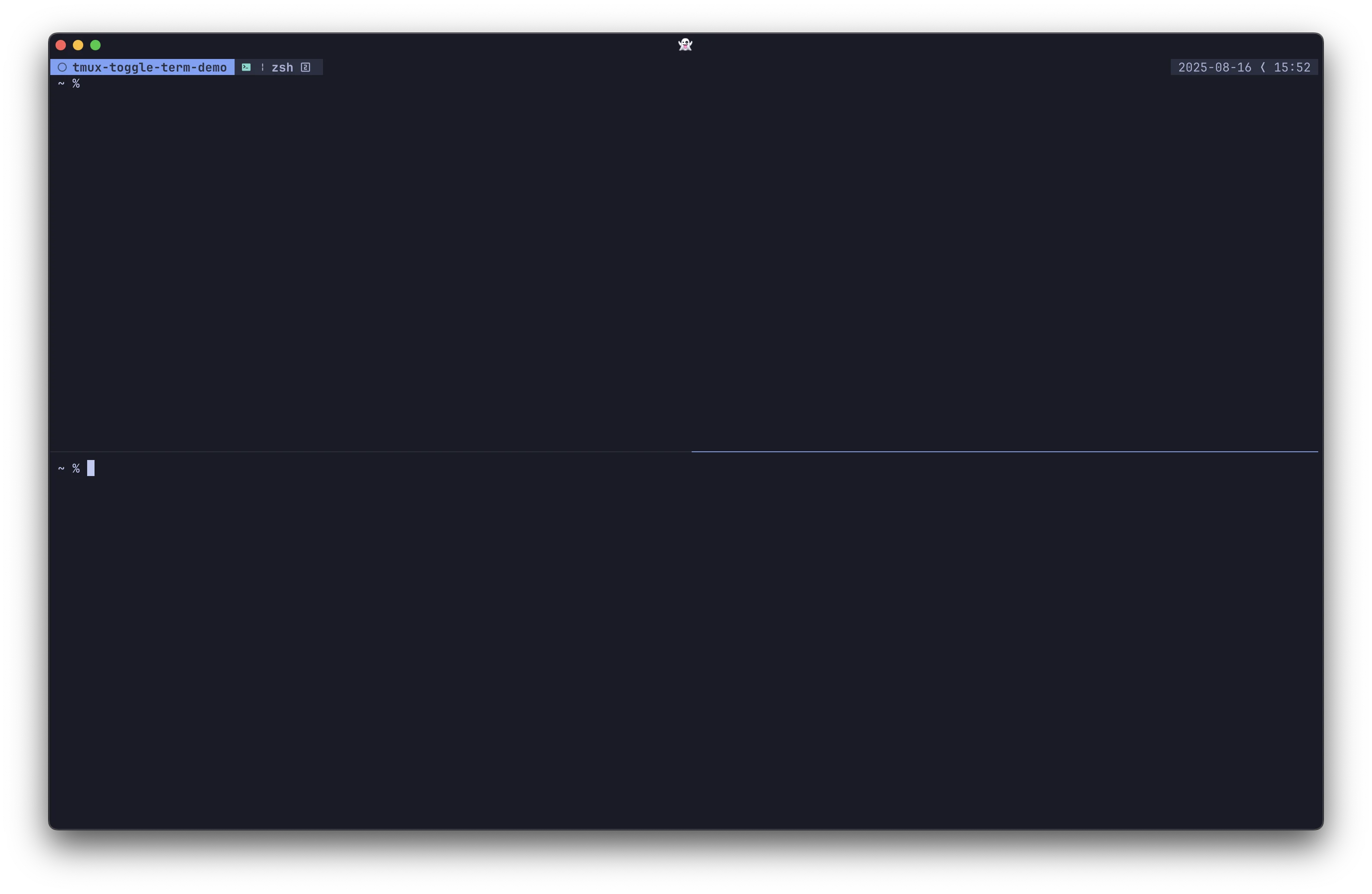
### Toggle Split Terminal
`Prefix + C-;` → Toggle a split terminal for the current tmux window
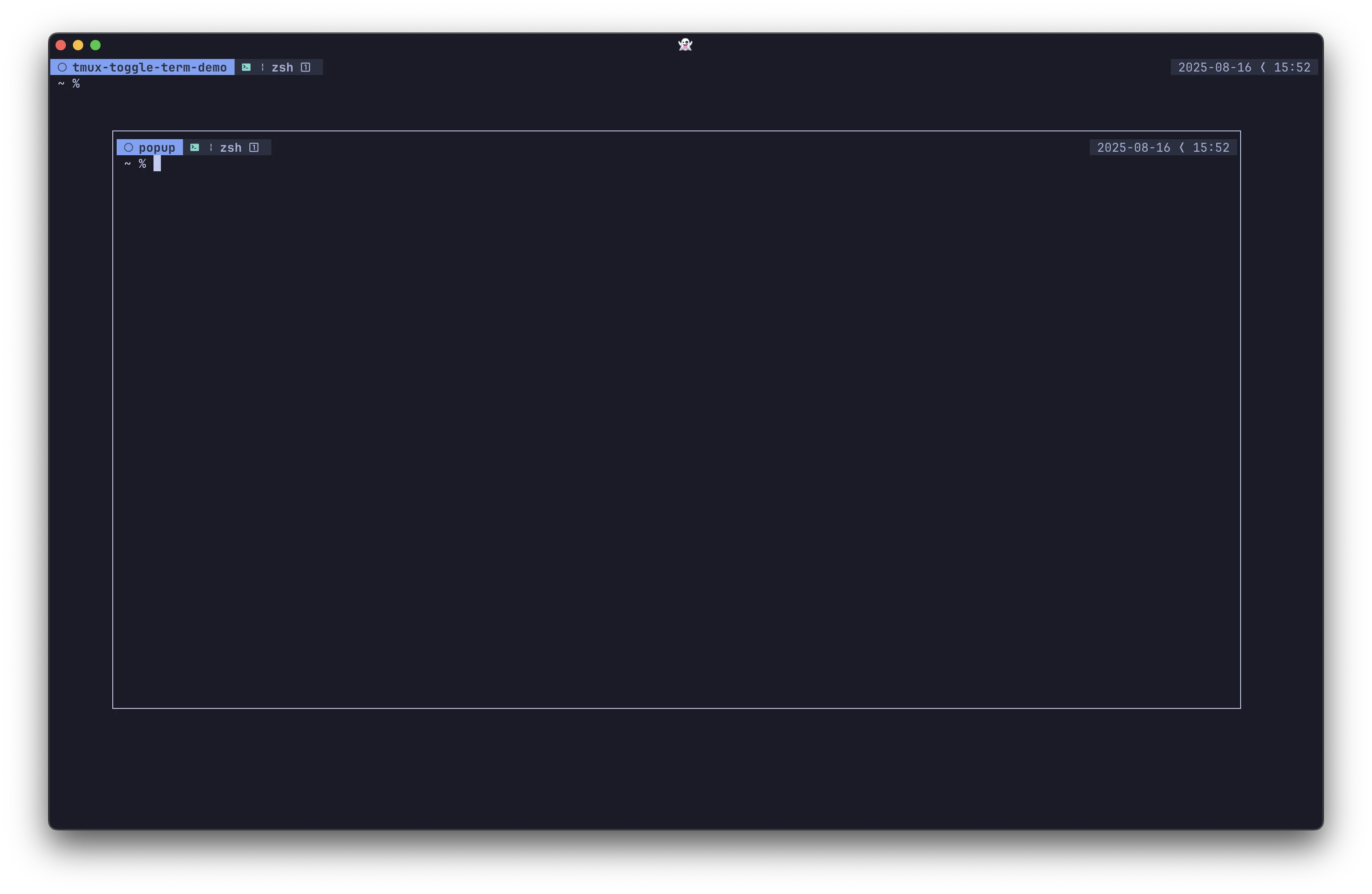
### Toggle Floating Terminal
`Prefix + C-f` → Toggle a global floating popup terminal
## Customization
### Disabling Features
By default, both the floating and split terminal features are enabled. If you only want one of them, you can disable the other:
```tmux
# Disable the floating terminal (only use split)
set -g @toggle-term-float-enabled 'false'
# Disable the split terminal (only use floating)
set -g @toggle-term-split-enabled 'false'
```
### Custom Key Bindings
You can override the default keybindings by setting the
`toggle-term-split-key` and `toggle-term-float-key` options:
```tmux
set -g @toggle-term-split-key 'M-t'
set -g @toggle-term-float-key 'M-f'
```
### Binding Without the Tmux Prefix
By default, the plugin binds its keys in the tmux prefix table, so you press the
tmux prefix before the key. If you'd rather trigger the toggles directly,
without the prefix, disable the `toggle-term-<mode>-use-prefix` options:
```tmux
set -g @toggle-term-float-key 'M-f'
set -g @toggle-term-float-use-prefix 'false'
set -g @toggle-term-split-key 'M-t'
set -g @toggle-term-split-use-prefix 'false'
```
With the above configuration:
- **M-f** → Toggle floating terminal
- **M-t** → Toggle split terminal
|